

Sagar Club Login vs Register
Pick the right button
Register once. Log in every time after that. Here’s how to tell which you need.
The Sagar Club welcome screen shows Log in and Register side by side, and a lot of people pick the wrong one – then get ‘number already registered’ or ‘account does not exist’.
This short guide sorts it out.
Decision table
| Situation | Button |
|---|---|
| First time ever | Register |
| Already registered, new phone | Login |
| Already registered, forgot password | Forgot password |
| Got a new SIM number | Change mobile number |
| ‘Number already registered’ | Login |
| ‘Account does not exist’ | Register (or check the number) |
What register does
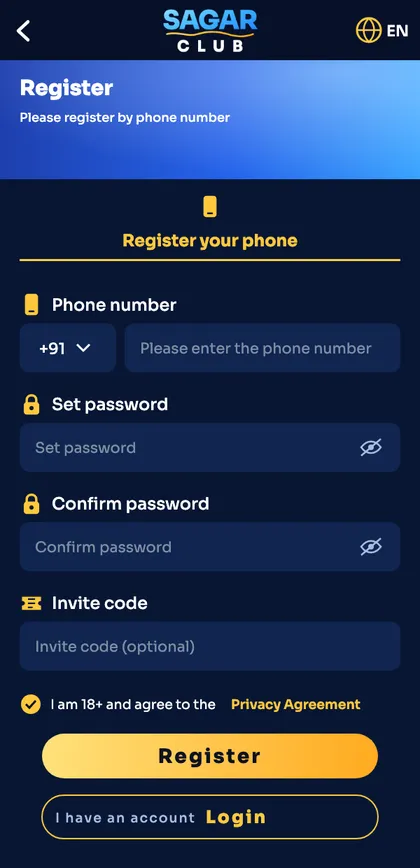
Creates a brand-new account tied to your number. Needs an SMS code. You only do it once – register guide.
What login does
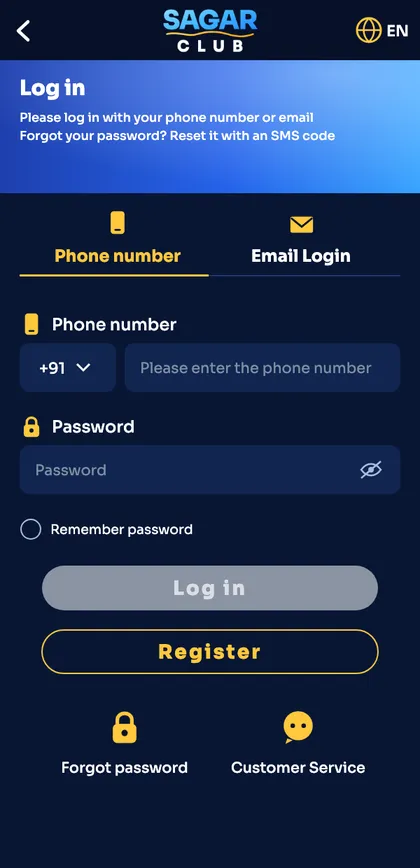
Opens an existing account with number + password. No SMS needed – login guide.
Still unsure?
Try login first with your number. If it says the account doesn’t exist and you’re sure the number is right, then register.
Ready to open Sagar Club?
Use the official app or website. One Sagar Club account works for login on every device.
Frequently asked questions
Can I register again if I forgot my password?
No – reset the password instead.